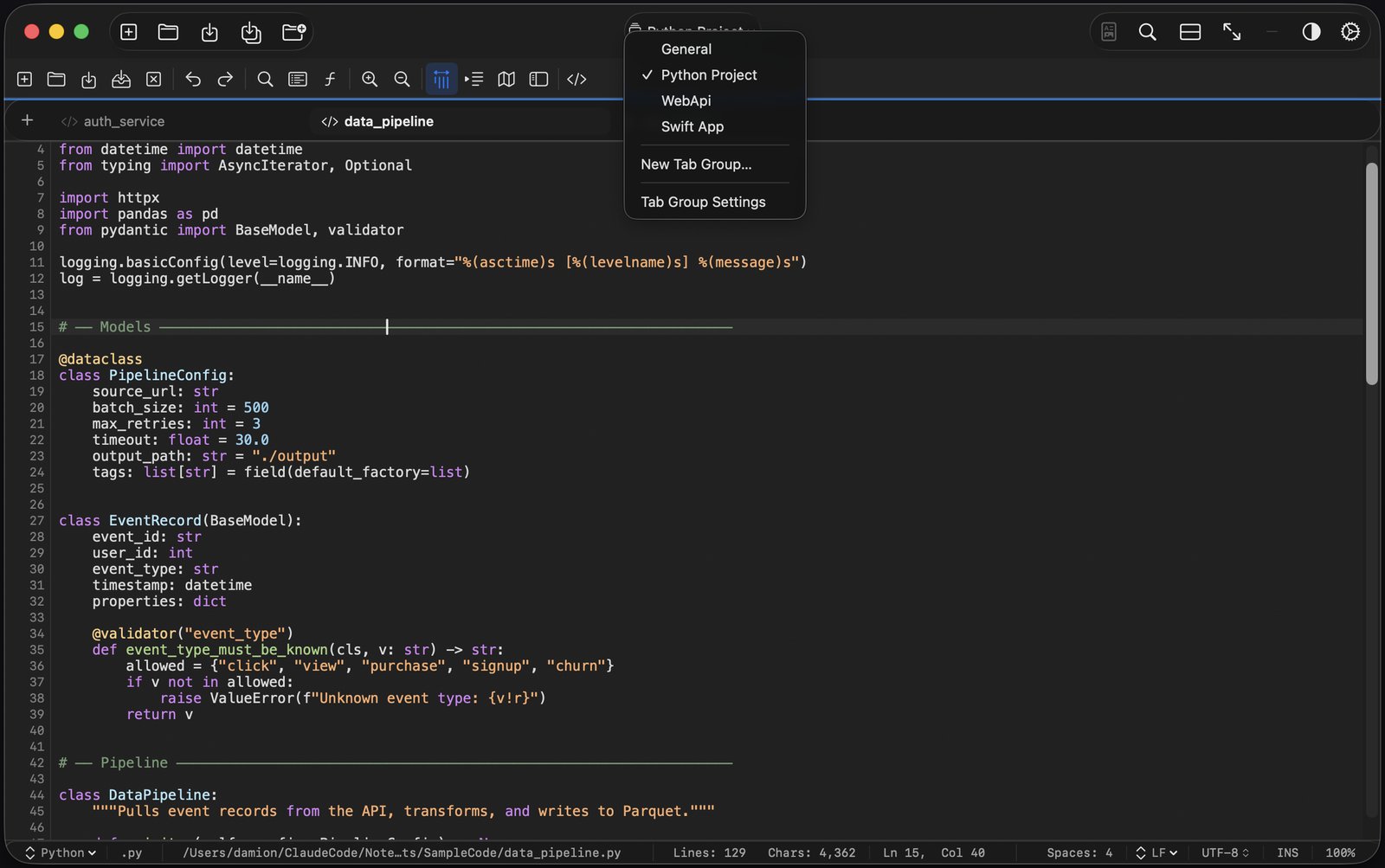
A lightweight code editor for Mac
Native, fast and private. $4.99 once.
Tab.Noted opens scripts, config files and whole project folders, with syntax highlighting for 50+ languages, regex search across
files and git change markers. No plugins, no account, works fully offline.
Mac App Store, or download direct with a 14-day free trial · macOS 14 Sonoma or later · Apple silicon
50+ languages, detected automatically from the file extension
Quick Open (Command P) gets you anywhere without the mouse
Tab Groups: a saved workspace for each project
Regex search across every open tab or a whole folder
Git gutter markers for changes since your last save, no repo needed
Column selection, macros and snippets
Side-by-side diff and a JSON tree viewer
Hex View opens any file
Remappable keyboard shortcuts
Code editor for Mac: common questions
Is Tab.Noted a full IDE?
No. It's a fast, native code editor for scripts, config files, logs and quick fixes. To build and run Mac or iPhone apps, use Xcode.
Which languages does it highlight?
50+ languages, detected automatically from the file extension. Examples include Swift, Python, YARA, Suricata, HCL, Protobuf and Jinja2.
Does it need plugins?
No. Syntax highlighting, search, diff, the JSON tree viewer and Hex View are all built in. No extensions to install.
How much does it cost?
$4.99 once, no subscription and no account. The direct download includes a 14-day free trial with every feature, or get it on the Mac App Store.
Which Macs does it run on?
Macs with Apple silicon running macOS 14 Sonoma or later.
See everything Tab.Noted can do → · Best text editor for Mac → · Keyboard shortcuts →