Mac App Store, or download direct with a 14-day free trial · macOS 14 Sonoma or later · Apple silicon
Why offline
Why offline matters for Markdown
Markdown files are often private: meeting notes, internal docs, READMEs for unreleased work and drafts. With Tab.Noted they stay on your Mac.
Your files never leave your Mac.
Markdown preview never goes online.
No account, no analytics and no telemetry.
Features
Everything you need to write Markdown
All built in, with nothing to install.
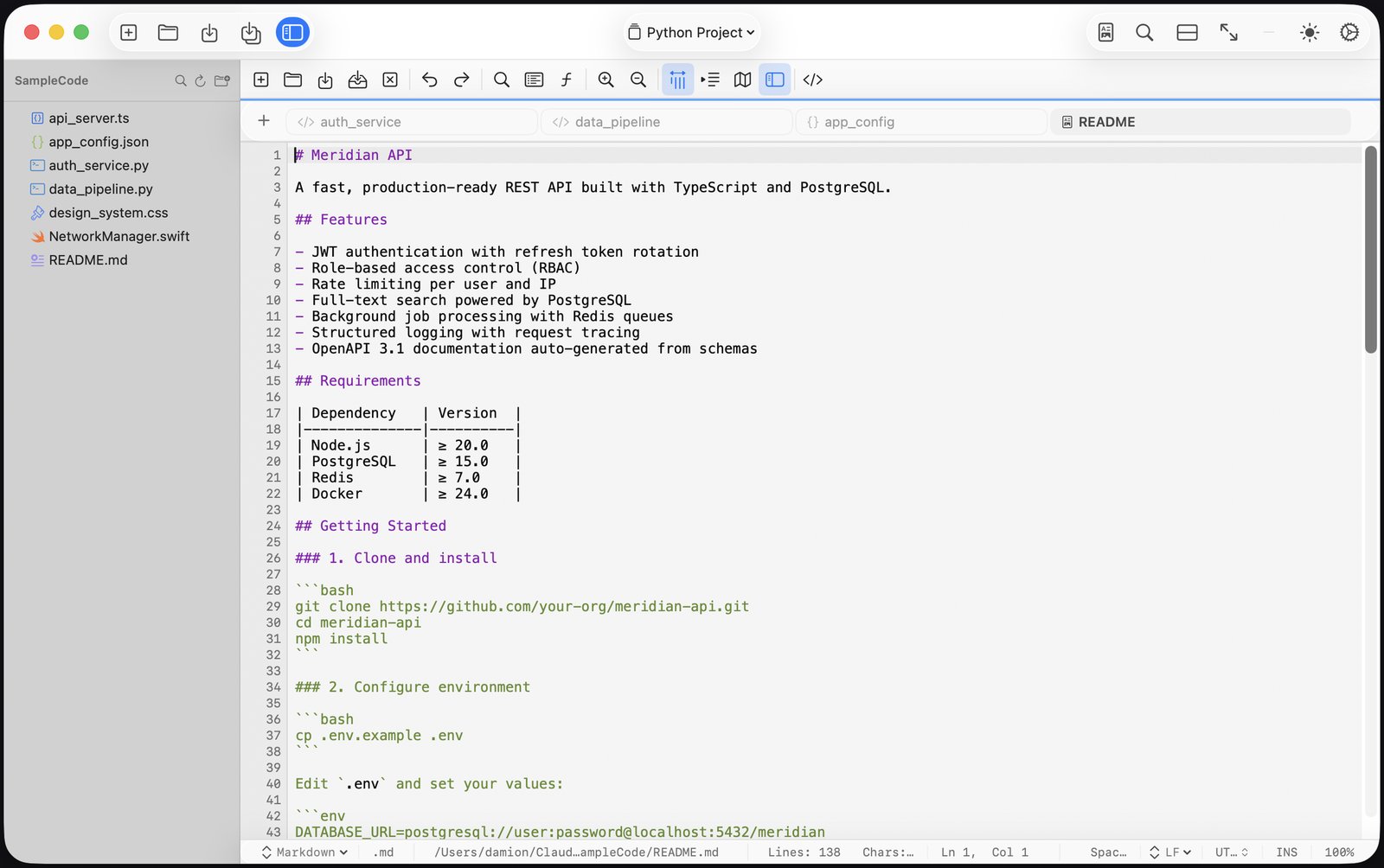
Live Markdown preview alongside the editor (Shift Command R)
Tabs and Tab Groups: a saved workspace for each project
Snippets for text you type often
Code-aware spell check
Separate themes for light and dark mode
Zen mode for distraction-free writing
Optional auto-save and crash recovery
Cheat sheet
Markdown basics cheat sheet
To get
Type
Heading
# Title · ## Section
Bold and italic
**bold** · *italic*
Bulleted list
- item
Numbered list
1. item
Link
[text](https://example.com)
Image

Inline code
`code`
Quote
> quoted text
Horizontal rule
---
A fenced code block starts and ends with three backticks. Add the language after the first set:
```python
print("Hello")
```
A simple table uses pipes and a line of dashes under the header:
| Name  | Status |
|-------|--------|
| Draft | Done   |
Offline Markdown editor for Mac: common questions
Does the preview load images or fonts from the internet?
No. Markdown preview never goes online.
How do I open the preview?
Press Shift Command R, or choose View → Markdown Preview. The preview appears alongside the editor and updates as you type.
Does it work offline?
Yes. Your files never leave your Mac, and Tab.Noted works fully offline. The direct-download version goes online only to check its license and look for updates.
How much does it cost?
$4.99 once, no subscription and no account. The direct download includes a 14-day free trial with every feature, or get it on the Mac App Store.
Which Macs does it run on?
Macs with Apple silicon running macOS 14 Sonoma or later.
A fast, native text and code editor for Mac. $4.99 once, no subscription, no account. Try it free for 14 days with the direct download, or get it on the Mac App Store.